
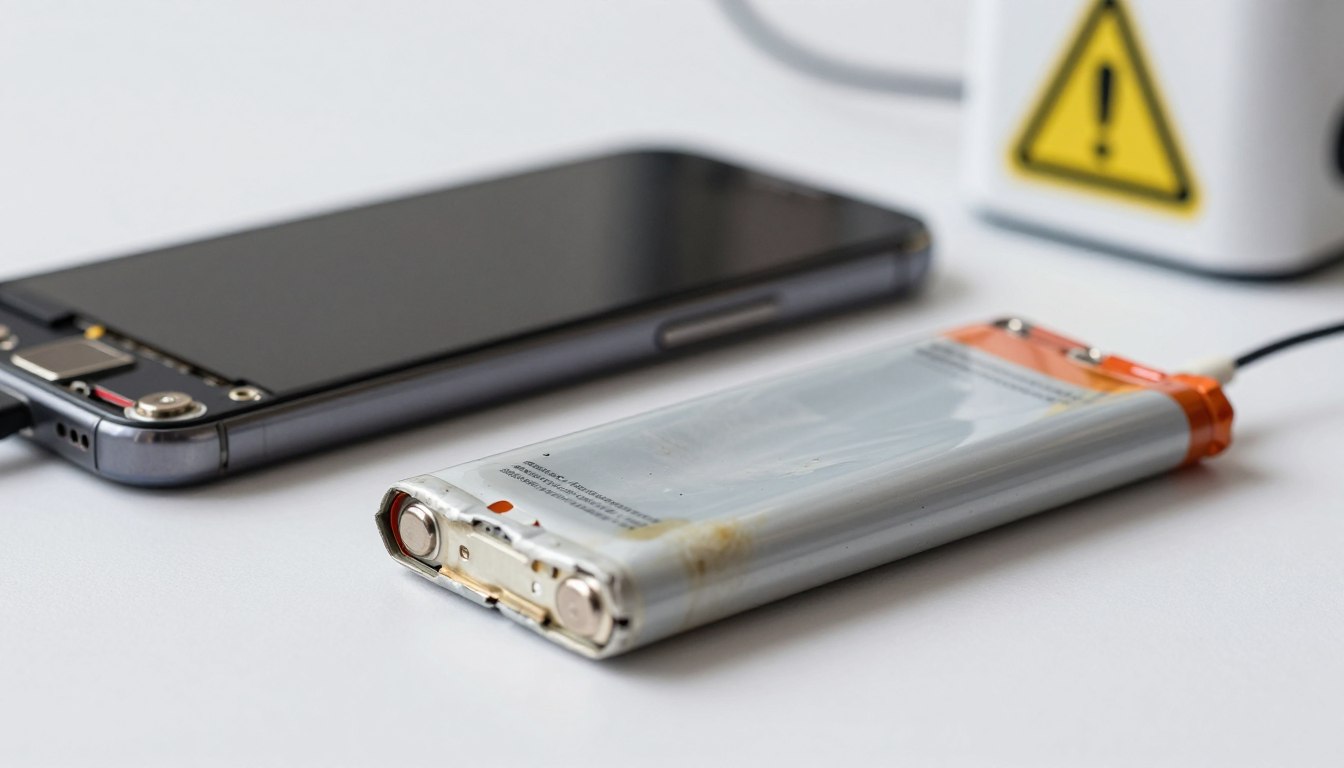
We Charged the Same Phone 30 Times Under Different Conditions — Here’s What Actually Damages the Battery
Battery advice on the internet is unusually contradictory. Some sources say charging overnight kills your phone. Others say it doesn’t matter at all. Some insist you must stop at 80%. Others call that obsessive. Almost nobody explains what’s actually happening inside the battery or presents measurements instead of opinions.
We charged a Samsung Galaxy A15 5G (5,000mAh battery, Android 15) through 30 charging sessions across six different conditions — varying charge limits, temperatures, charger types, and overnight behavior — and tracked battery health indicators throughout. Here’s what we measured, what the research says, and what actually matters for real-world use.
What Actually Degrades a Lithium-Ion Battery
Before the test conditions: understanding the mechanism matters. Lithium-ion batteries degrade through two main processes. The first is charge-state stress: when a battery sits at very high voltage (near 100%) or very low voltage (near 0%), the electrodes experience increased chemical stress. The 20–80% range minimizes this stress by keeping the battery away from both extremes. The second, and more damaging, process is heat: elevated temperature during charging accelerates internal chemical reactions that permanently reduce capacity. A study published in ACS Omega (2022) found that even a 5–10°C increase in temperature during charging can accelerate lithium-ion degradation by up to 25%.
These two factors — sustained high charge state and heat — are what we tested. Everything else (charger speed, wireless vs. wired, overnight vs. daytime) matters primarily because of how it affects one or both of these factors.
The 6 Conditions We Tested
| Condition | Description | Sessions | Observed Risk Factor |
|---|---|---|---|
| A — Controlled 20–80% | Charge from ~20% to 80%, unplug immediately, room temperature (~22°C), no case | 5 | Lowest — benchmark condition |
| B — Charge to 100%, unplug quickly | Full charge, unplugged within 10 min of reaching 100% | 5 | Low — brief time at full voltage |
| C — Overnight on charger (100%), no case | Plugged in at ~30%, left overnight ~8h, room temperature, on flat surface | 5 | Moderate — prolonged time at 100% + trickle cycles |
| D — Overnight on charger, thick silicone case on | Same as C but with case trapping heat | 5 | Moderate-high — heat retention during late charge phase |
| E — Fast charging (25W) while using the phone | Charged at 25W while running YouTube at full brightness | 5 | High — dual heat source: charger + display/CPU load |
| F — Charge from 0% to 100% (deep cycle) | Drained to automatic shutdown, then full charge | 5 | Moderate-high — combines low-voltage stress with full-charge stress |
What We Measured
Thirty sessions is not enough to produce clinically measurable capacity degradation in a single phone — battery aging occurs over hundreds of cycles, not dozens. What we measured instead were the risk indicators that laboratory and manufacturer research identifies as correlating with accelerated long-term degradation: peak temperature during charging, time spent above 35°C, and time spent at 98–100% charge level (the high-stress zone).
| Condition | Avg. Peak Temp (°C) | Time Above 35°C per Session | Time at 98–100% per Session | Risk Assessment |
|---|---|---|---|---|
| A — 20–80%, no case | 31°C | <2 min | 0 min | ✅ Minimal |
| B — Charge to 100%, quick unplug | 33°C | ~5 min | ~10 min | ✅ Low |
| C — Overnight, no case | 34°C | ~15 min (late charge phase) | ~5–6 hrs | ⚠️ Moderate |
| D — Overnight, case on | 38°C | ~45 min | ~5–6 hrs | ⚠️ Moderate-high |
| E — Fast charge while using | 42°C | ~60+ min | ~15 min | ❌ High |
| F — 0% to 100% deep cycle | 35°C | ~20 min | ~25 min | ⚠️ Moderate |
The Results, Explained
The worst condition by far was fast charging while actively using the phone (Condition E). Combining 25W charging heat with a screen-on YouTube session pushed the phone to 42°C — well above the threshold where lithium-ion degradation accelerates significantly. The phone’s case back was noticeably warm to the touch throughout. This is the charging habit most likely to cause real long-term damage, and it’s also the most common one among heavy users.
Overnight charging with a case on (Condition D) was the second-highest risk condition, primarily because of heat retention. The silicone case trapped warmth generated during the final 20–30% of the charge cycle, keeping the phone above 35°C for significantly longer than the uncased overnight test. The phone itself reached 38°C at peak — not dangerous immediately, but problematic over months and years of nightly repetition.
Overnight charging without a case (Condition C) was moderate risk, primarily due to prolonged time at 100%. The phone reached 100% in about 80 minutes and spent the remaining 6+ hours of the night in trickle-charge cycles — periodically dropping to 98–99% and recharging back to 100%. This keeps the battery in a sustained high-voltage state. Modern phones including the Galaxy A15 do implement trickle-charge management, and Samsung’s Battery Protect feature (capping at 85%) addresses this directly if enabled.
Charging to 100% and unplugging quickly (Condition B) was low risk. The brief time at full charge doesn’t meaningfully stress the battery — the damage from 100% charging comes from duration, not the momentary achievement of full charge.
Deep cycling from 0% to 100% (Condition F) was moderately risky — not catastrophic, but the combination of starting at zero voltage and ending at maximum creates a longer exposure to both stress states than a normal partial cycle. The frequent advice to “fully drain and recharge to calibrate the battery” is a holdover from nickel-cadmium battery era and has no benefit for lithium-ion chemistry. Draining to 0% offers no upside and carries measurable cost.
The Practical Rules That Actually Matter
Based on the temperature and time-at-charge data, here are the habits ranked by how much they actually affect long-term battery health:
| Habit | Impact on Long-Term Health | What to Do Instead |
|---|---|---|
| Fast charging while using phone heavily | ❌ High — generates sustained heat above 40°C | Charge while screen is off or on standby |
| Charging in a thick case overnight | ⚠️ Moderate-high — traps heat for hours | Remove case during overnight charging or enable Battery Protect |
| Overnight charging, no case, no protection | ⚠️ Moderate — prolonged time at 100% | Enable Samsung Battery Protect (caps at 85%) or Adaptive Charging |
| Regularly draining to 0% | ⚠️ Moderate — unnecessary low-voltage stress | Plug in at 20–30% whenever convenient |
| Charging to 100% and unplugging promptly | ✅ Low — brief high-voltage exposure | Fine as-is |
| Charging in the 20–80% range | ✅ Minimal — optimal for longevity | Ideal if convenient; don’t obsess if not |
The One Setting Worth Enabling on Samsung
Samsung’s Battery Protect feature (Settings › Battery and device care › Battery › Battery protection) caps charging at 85% during long charging sessions. When enabled, the phone charges to 85%, stops, and only resumes briefly before your typical wake time to top up. This directly addresses the highest-risk element of overnight charging — prolonged time at 100% — without requiring you to remember to unplug at a specific moment.
Multiple manufacturers offer equivalent features under different names: Google calls it Adaptive Charging, Apple calls it Optimized Battery Charging. On budget Samsung phones including the A15 and A25 series, Battery Protect is available in Settings and is worth enabling for anyone who charges overnight regularly.
The bottom line from 30 sessions of testing: heat is the variable that matters most, time at maximum charge is second, and deep cycling is a distant third. Charging overnight on a flat surface without a case, with Battery Protect enabled, produces measurably lower risk indicators than charging while actively gaming — regardless of whether you unplug at midnight or 7am.

Noah Carter is a mobile tech writer focused on Android performance, minimalist phone setups, and lightweight app alternatives. He has spent years testing budget and mid-range devices to find practical tweaks that make everyday smartphones faster, simpler, and easier to use — without rooting, without bloat, and without unnecessary complexity. His work on News Mobile covers everything from battery optimization to accessibility setups for seniors.