More than 4 hours a day on average is spent on smartphones, and Americans check their screens about 344 times daily. Rising screen time and constant alerts fragment attention and shorten deep work periods. This guide shows a practical, step-by-step path to turn your phone into a tool for focus. Minimalist launchers and focus apps …
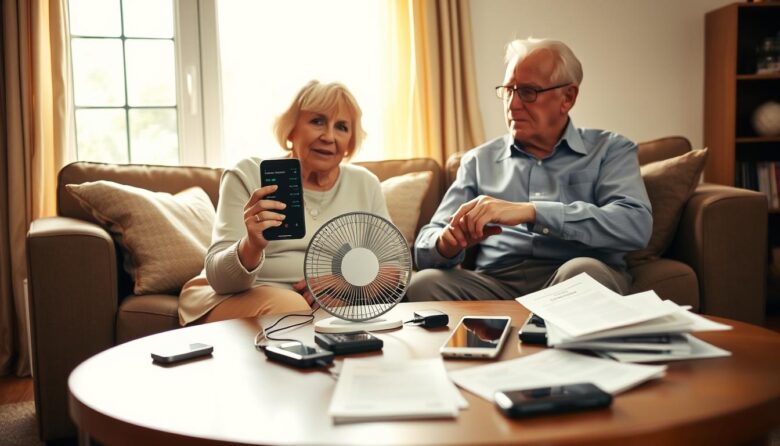
This short intro explains practical steps designed to help you keep your phone reliable during hot days. Hot-weather surges across the U.S. have produced record temperatures, and more warm days are likely ahead. Excessive heat can slow performance and trigger an automatic shutdown. In rare cases, a swollen battery or fire is possible, so safety …

The right compact gear can deliver real gains in quickness, coordination, and injury resistance. This post outlines practical, portable picks for speed training and agility work you can use at home or on the field. From classics like jump ropes, ladders, cones, and mini hurdles to medicine balls and reaction systems such as BlazePod, these …
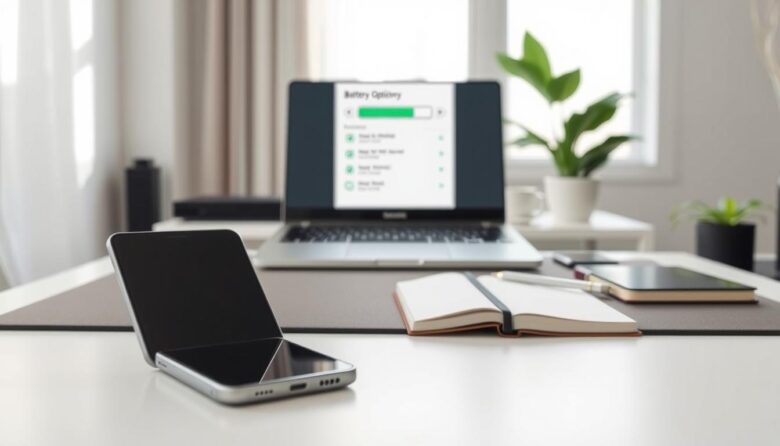
The hands-on guide below shows simple, proven steps to extend battery life on your phone. Practical tests found that cutting visual effects, limiting sensors, and using conservative display settings give measurable improvements. One Samsung A54 reached roughly four days of normal use after tweaks. Enabling a power-saving mode, disabling 5G, and applying a dark theme …
This short list shows practical, tested replacements for the apps your phone ships with. Many devices come with stock tools for messages, notes, email, and browsing. Choosing a better option than the app installed can speed tasks and cut friction. We focus on clear alternatives that balance minimal interfaces with useful features. Expect notes app …
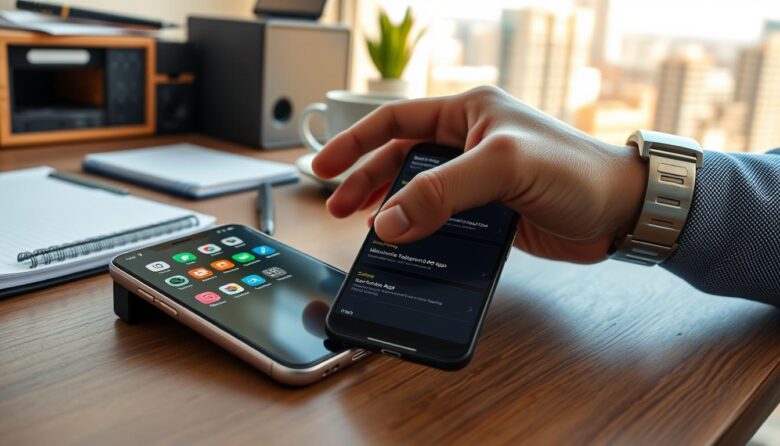
Many social feeds, maps, streaming services, and games will refresh when you are not using them. This silent activity keeps radios and processors awake and can quickly eat battery life on your phone. In this short guide you’ll learn to spot which apps cause the biggest power and data use. Both iPhone and Android show …
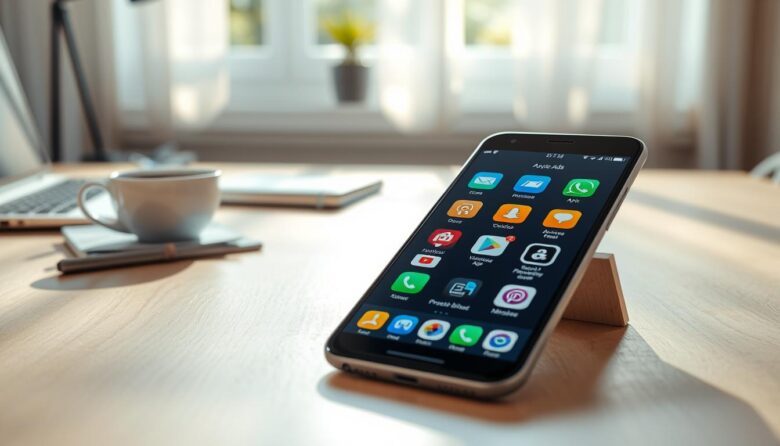
Modern device users often seek a calmer on-screen experience. This intro outlines practical, safety-first ways to reduce interruptions and cut ad traffic on your phone. We cover network-level filters, a reputable ad blocker that uses a local VPN, and hands-on version edits that hide ad containers in the interface. You will learn how each method …

Smartphones now hold sensitive data like location, messages, browsing history, and even biometrics. For seniors, keeping that information safe reduces risks from misuse, unwanted tracking, and scams while keeping daily tasks simple. “Privacy-first apk options” means choosing apps that ask for only necessary access, block trackers, and use strong encryption. These picks favor clear settings, …
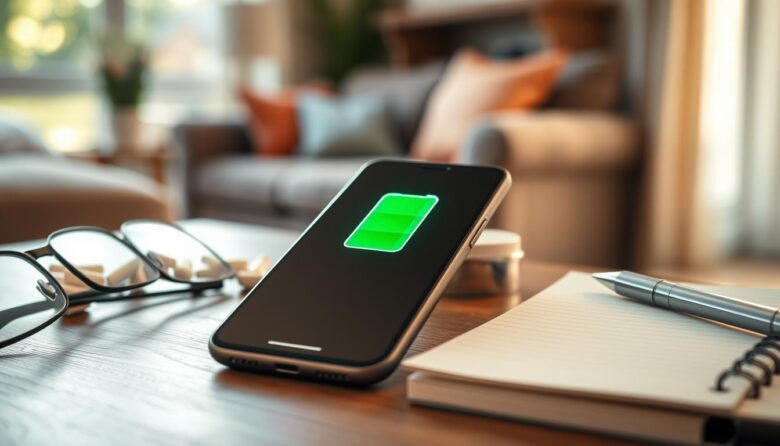
Worrying about a phone dying mid-day is common. This short guide shows clear ways to stretch battery life on a smartphone without giving up essential calls or apps. You’ll get simple settings and easy habits that work on both iPhone and Android. Learn which apps drain power fast, how to dim the screen, shorten screen …
Cutting down on digital and physical clutter helps clear your mind and your home. This roundup highlights practical tools that reduce noise and save time without extra features you never use. Start with beginner-friendly picks. Clutterfree gives a room-by-room roadmap and progress tracking. Clean Email handles inbox cleanup with bulk actions, Smart Folders, and Auto …