
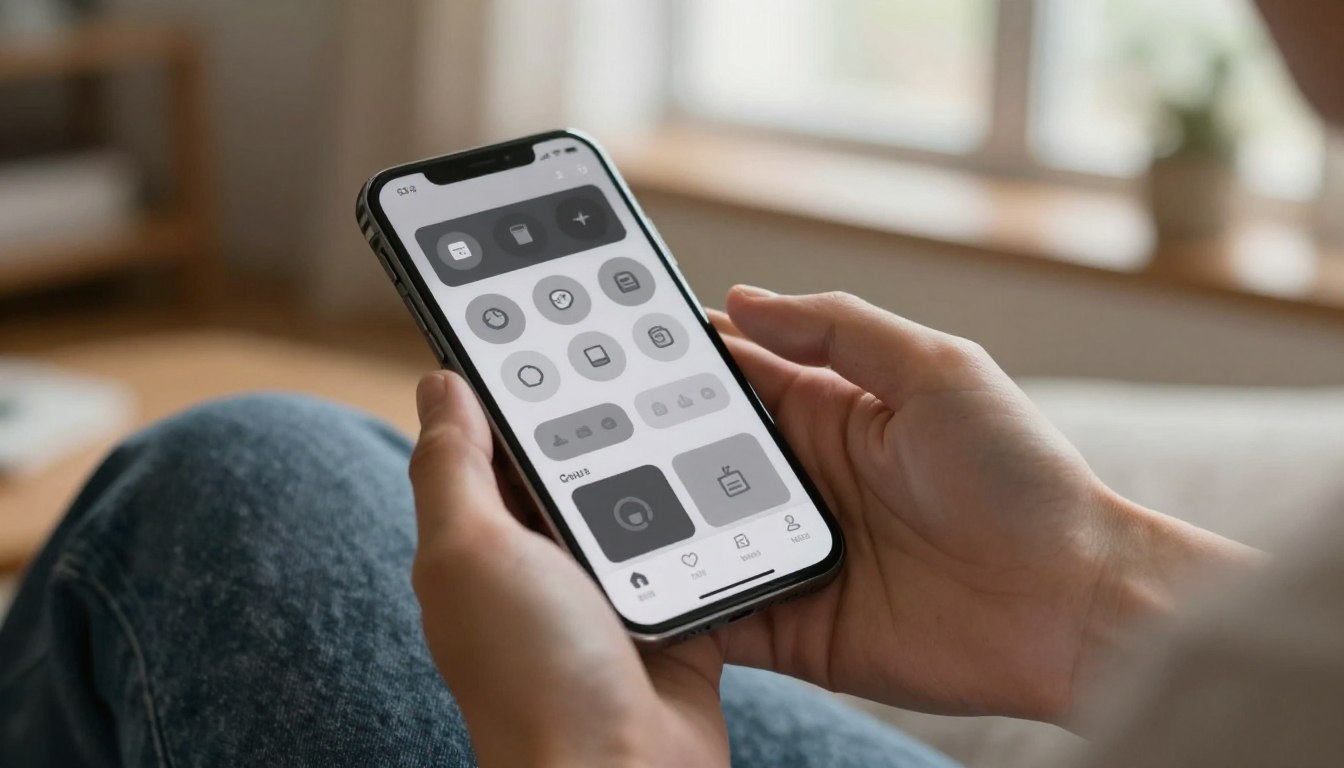
How Grayscale Mode Changed How I Use My Phone — and Why Most People Quit After 3 Days
The change felt like someone turned the fun down on my display. When you glance at weekly screen time and think, “Is this my life now?” the shift matters fast.
This short guide shows why removing color makes a device less rewarding, the brain reason behind that drop, and the exact settings paths for iPhone and Android. It also maps the first three days and what most people can expect after a month.
Most folks quit not from willpower, but because color does real work: it rewards, signals, and lubricates endless scrolling. Take away that cue and you get gentle friction that can reduce mindless use.
This is for U.S. adults, especially readers over 40, who want a low-drama way to cut scrolling without new gadgets. Think of this as a health tool for attention — helpful, not magical.
Later sections sum up research and real-world trials showing lower daily use, better perceived control, and less stress. Read on for practical steps and realistic expectations.
Why phone grayscale works: your brain finds color more rewarding
Colors do more than look nice: they trick the brain into wanting more. Designers use bright cues in apps and social media like tiny slot machines. That pop of color gives fast hits of reward, so each swipe feels worthwhile.
The dopamine-and-design effect
Put simply: color grabs your attention and delivers many small rewards. Remove that pop and your brain gets fewer nudges to stay. The result is less automatic scrolling and fewer accidental sessions.
What research found
Studies measured real minutes per day. One Social Science Journal trial (161 people) saw use fall from 255 to 217 minutes — about 40 minutes less — while controls rose slightly. A Mobile Media & Communication study (84 people) reported ~20 minutes less per day during a grayscale week.
Other benefits and a practical takeaway
Participants called it “very boring,” “very annoying,” and “I got used to it after a few days.” Follow-ups showed improved perceived control and lower anxiety signals, without claiming miracles for sleep or productivity.
Practical takeaway: this change isn’t punishment. It simply makes tempting apps less irresistible so you naturally use your smartphone less each day.
How to turn on grayscale mode phone screen time settings on iPhone and Android
You don’t need a tech degree to flip this useful setting — just a few taps. Below are clear paths for iPhone and Android, plus quick fixes to keep text readable and a fast switch for when you need color back.
iPhone steps (slow and steady)
Open Settings → Accessibility → Display & Text Size → Color Filters. Turn Color Filters on, then pick Grayscale. This path is purposefully deep, so follow each step carefully.
Android map (varies by brand)
Go to Settings and look for Accessibility. Then open Visibility enhancements or Color correction. Enable the color correction option and choose the gray/monochrome style to confirm it’s on.
Make it usable right away
If text looks faint, raise contrast and increase text size in the same display and accessibility menus. Test your most-used apps and adjust until reading feels comfortable.
Quick toggle and a simple test
Create an accessibility shortcut or quick setting tile so you can switch fast. For a practical check: open your most tempting app, scroll for 60 seconds, then notice how quickly you want to put the phone down.
What the first days feel like and why most people quit after 3 days
On day one many people notice the feed suddenly loses its sparkle. The view seems flat and scrolling stops giving quick rewards. That abrupt drop in pleasure is the mechanism: boring feels like progress.
The “boring” reaction
At first the display looks sad and you may check less often. Some call it “weird” or “very annoying.” That irritation is normal and often peaks in the first 48–72 hours.
Common deal-breakers
Photos and wallpapers lose appeal. Color-first apps like Pinterest become hard to use for recipes, outfits, or decor. About 20 people in one study switched back after a couple of days for those reasons.
Hidden friction and substitution
Quick status cues — Wi‑Fi, data, flashlight — take longer to scan. The device feels clunkier in small tasks. Also watch for the substitution trap: you may spend fewer minutes on one app but migrate to another that still rewards you.
Expect toggles in the first week. Some adapt after a few days; others revert. Quitting at day three is often predictable, not a failure. The goal is fewer compulsive pickups, not perfection.
Results you can realistically expect in a week or two
Small daily drops add up quickly: that’s the realistic headline for week one. In a real-world trial, pre-change totals ranged from 4h22 to 2h48. Week 1 in grayscale averaged 2h45 (high 4h30, low 1h20). Week 2 improved to 2h27 (high 3h27, low 1h09).
Typical reductions reported
Research found modest but consistent cuts: one study showed about 20 minutes per day, another about 40 minutes. Those minutes add up to hours saved each week for many people.
How to track progress like a grown-up
Use the weekly report and record daily minutes. Watch your highs and lows rather than guessing. If total use drops but one app rises, treat that as useful data, not failure.
What this change does not fix automatically
Expect less doomscrolling and fewer long sessions, but don’t expect automatic gains in productivity or sleep. Work-related use often stays the same, and researchers reported no clear lift in job output or sleep quality.
Tie it to health: lower compulsive pickups often reduce stress and boost perceived control. That is a real win, even if some work needs remain on your phone.
Keep the wins and ditch the doomscroll: a sustainable plan for less time on your phone
Think of this tweak as a seasonal tool you call up when scrolling creeps back. Use it for a week, a busy stretch, or whenever home life feels hijacked by screens.
Keep a simple 3-part plan: leave grayscale on by default, allow a quick switch when needed, and add guardrails so you don’t slide back. The two biggest guardrails are clear: silence social media notifications and set app limits so the device asks before you keep going.
Revisit settings for contrast or accessibility if reading looks faint. Texts, email, maps and work stay usable — the goal is less time in scroll zones, not less usefulness.
Weekly: check your report, tweak one setting, and pick a phone-free block. If you relapse, go gray again for 3–7 days, tighten notifications, and move or delete one tempting app. It won’t fix everything, but it often gives real hours back for health and life.

Noah Carter is a mobile tech writer focused on Android performance, minimalist phone setups, and lightweight app alternatives. He has spent years testing budget and mid-range devices to find practical tweaks that make everyday smartphones faster, simpler, and easier to use — without rooting, without bloat, and without unnecessary complexity. His work on News Mobile covers everything from battery optimization to accessibility setups for seniors.