This article shows a practical, step-by-step way to calm your phone and cut distractions. The goal is a lighter, more focused phone that supports real work without buying new hardware. Think of the light phone approach: limit features to calling, texting, and a few tools. You can emulate that on modern smartphones by uninstalling clutter, …

Swap a bulky home for a clean, fast home screen and your phone can feel like new. A slim launcher reduces memory use, smooths transitions, and cuts battery drain on budget and older phones with 3–4GB of RAM. This roundup shows small Android launchers that trim clutter so swipes are quicker and apps open faster. …

Many people want a calmer digital life without buying another device. You can make your smartphone act more like a dumb phone and keep key features like camera, maps, and messaging. This guide gives a friendly plan to strip visual noise, cut notifications, and keep essentials. You’ll learn five clear steps that work on iPhone …
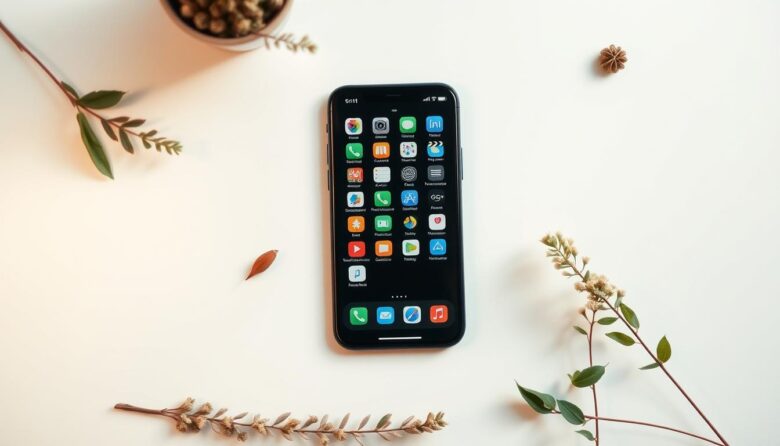
Ready for a calmer digital home? Start with a quick audit: remove apps you haven’t used in a month, group similar apps into folders like social or productivity, and keep only the essentials on your first home screen. Work in 15–30 minute bursts so the job never feels overwhelming and you get instant wins. Trim …
This friendly guide shows an easy way to turn a modern smartphone into a focused calling tool. It uses a budget Android like the Moto G (2025) with a large 6.7-inch screen and long battery life. We describe a free TextNow plan on T‑Mobile’s network that needs only a one-time $5 SIM and offers talk …
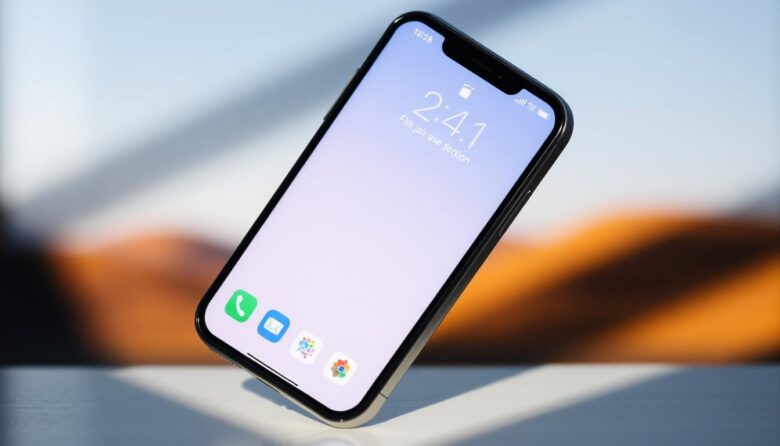
Want an iphone home that feels calm and speeds up daily tasks? This short guide shows practical ways to get a minimal iphone home screen that looks good and works fast. We’ll focus on a tidy home screen layout that uses Spotlight search, a small dock of favorite apps, and compact folders to cut taps. …
Many people want a calmer digital experience without losing key tools. This short guide shows how to keep camera, navigation, and secure messaging while cutting distractions. Start by deciding which features matter most. Users often keep four core apps: Phone, Messages, Camera, and Maps. That small set preserves utility and reduces visual clutter. Next, prune …