
A simpler phone starts with intentional design choices that lower mental effort and boost clarity for older adults. Good design augments key actions—like calling, texting, and health tasks—so people see benefits without feeling their device is dumbed down. Practical steps include larger base text (16px+), higher contrast, bigger touch targets, and clear navigation patterns. These …
Streamlining your smartphone can cut interruptions and make daily tasks faster. This short guide shows practical steps to clear clutter and keep what matters on your first screen. You will learn how limiting visible apps, turning off nonessential alerts, and choosing a calm background speeds recognition and navigation. Busy people and seniors often see the …
Start with a clear goal: keep only what helps your daily work and life. On modern Android phones and Samsung Galaxy devices you can simplify fast by auditing apps in Settings and the Play Store, locking down Security & privacy, and pruning notifications. Focus on foundational settings: tighten permissions for apps, set lock screen behavior, …
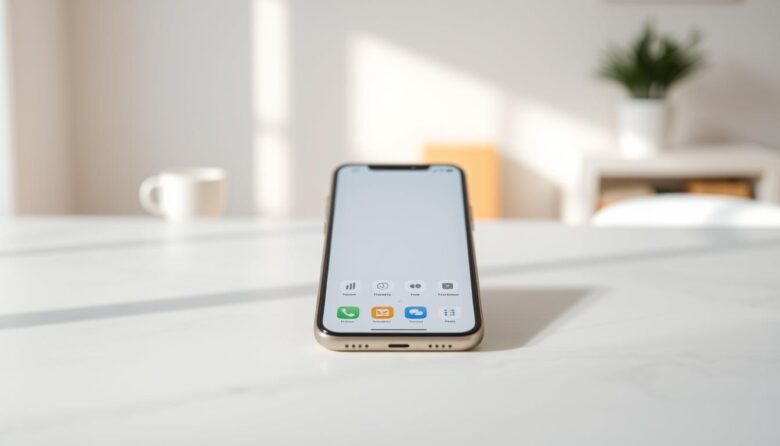
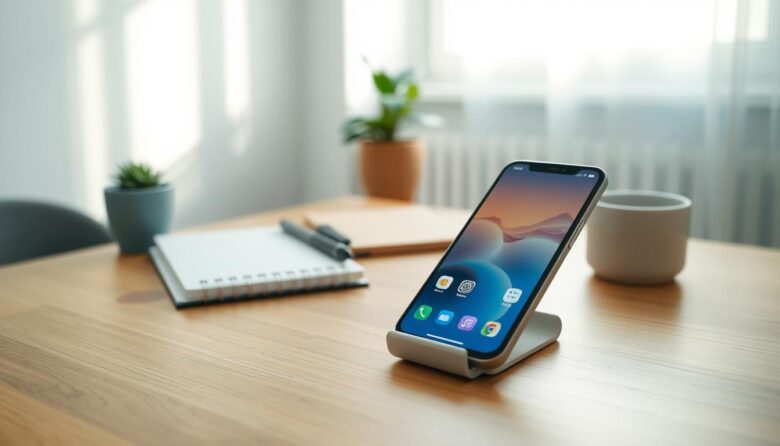
This article promises fast, lean home screen layouts that improve daily use on your phone. You will find designs that cut visual clutter and speed up common tasks without losing key features. The goal is clear: a pared-back home that surfaces only what matters. A clean, fast setup shortens the path to apps, widgets, and …
More than 4 hours a day on average is spent on smartphones, and Americans check their screens about 344 times daily. Rising screen time and constant alerts fragment attention and shorten deep work periods. This guide shows a practical, step-by-step path to turn your phone into a tool for focus. Minimalist launchers and focus apps …
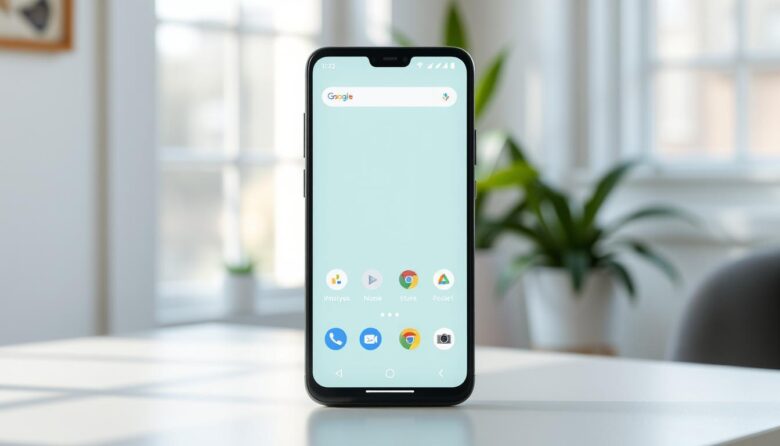
Want a neat phone that still feels powerful? This intro lays out how to get a tidy look on android phones without rooting. You will learn simple steps, the right app picks, and which stock android options or OEM tools help most. We’ll touch on which android skins start minimal and which need extra work. …

Set up a clear attention profile to guard your best work hours. On Mac, open System Settings > Focus to add a provided Focus such as Work or create custom by choosing Add Focus > Custom. Name it, pick a color and icon, then click OK. Decide which notifications and apps can reach you. Allow …
Choice overload is real. With 32 Google Play and 24 App Store categories, people face decision fatigue every time they open a home screen. Americans check a phone about 344 times a day, so a simpler setup can change how you use a device. In this short guide, “essential apps” means tools that support daily …
If your habits feel overwhelming, a simpler device can help you take back time and attention without cutting out essential tools. The market has shifted: many Americans now seek handsets that limit feeds and endless content while keeping calls, texts, navigation and music. We’ll compare Light Phone II and III, Punkt MP02, Techless Wisephone II …
Older phones can feel slow when their short-term memory fills up. RAM stores active data so the processor can fetch it fast. When that memory is full, you may see lag, delayed responses, and app crashes. This guide shows how to pick lighter application versions and simple settings that improve performance without spending money or …