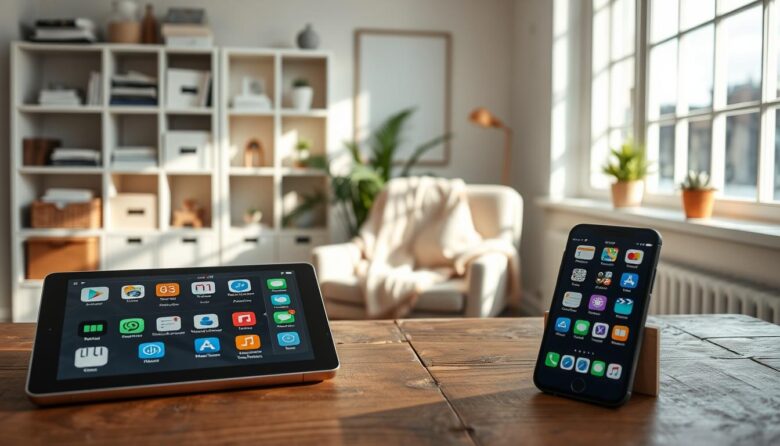
Finding tools that kept working when the internet dropped was the main goal of this guide. We gathered practical picks so you could stay productive with a single device and fewer surprises. These selections focused on notes, passwords, navigation, scanning, tasks, kids’ learning, and business workflows. Each choice showed how core features behaved offline and …


Learning how to handle an APK file can give you more control over apps and versions that do not appear in the Play Store. This short introduction explains what these files are and why someone might choose a manual installation. An APK is the Android package used to install an app. Android usually installs the …
This brief guide shows how small, focused tools help seniors simplify a smartphone and reduce screen overwhelm. The goal is a calmer phone with only the basics: calls, safety, navigation, health reminders, and simple entertainment. We highlight practical, low-cost or free options that use little storage and offer clear text, helpful alerts, and easy menus. …
The average person spends over 4 hours a day on a phone and checks it about 344 times. This short introduction shows a practical approach to cut noise and regain focus. Think of a minimalist mobile approach as keeping only the app you truly need so your device serves your goals. Small choices—like which launcher …
Many older or budget Android phones slow down over time because of limited CPU, RAM, and storage. You can get meaningful speed gains without risky mods by changing software and app choices. This guide focuses on clear, software-only steps that make the screen respond and the home screen feel snappier. We explain which lightweight Google …
Want a neat phone that still feels powerful? This intro lays out how to get a tidy look on android phones without rooting. You will learn simple steps, the right app picks, and which stock android options or OEM tools help most. We’ll touch on which android skins start minimal and which need extra work. …

Set up a clear attention profile to guard your best work hours. On Mac, open System Settings > Focus to add a provided Focus such as Work or create custom by choosing Add Focus > Custom. Name it, pick a color and icon, then click OK. Decide which notifications and apps can reach you. Allow …
Choice overload is real. With 32 Google Play and 24 App Store categories, people face decision fatigue every time they open a home screen. Americans check a phone about 344 times a day, so a simpler setup can change how you use a device. In this short guide, “essential apps” means tools that support daily …
If your habits feel overwhelming, a simpler device can help you take back time and attention without cutting out essential tools. The market has shifted: many Americans now seek handsets that limit feeds and endless content while keeping calls, texts, navigation and music. We’ll compare Light Phone II and III, Punkt MP02, Techless Wisephone II …
Older phones can feel slow when their short-term memory fills up. RAM stores active data so the processor can fetch it fast. When that memory is full, you may see lag, delayed responses, and app crashes. This guide shows how to pick lighter application versions and simple settings that improve performance without spending money or …