This short guide explains a practical, step-by-step way to create a minimalist phone setup seniors can use with confidence. The goal is a calm screen that keeps video calls, messages, and photos easy to reach. A tidy smartphone with larger fonts and a decluttered home screen reduces overwhelm. Simple launchers like Wiser or Necta, clear …
Month: December 2025
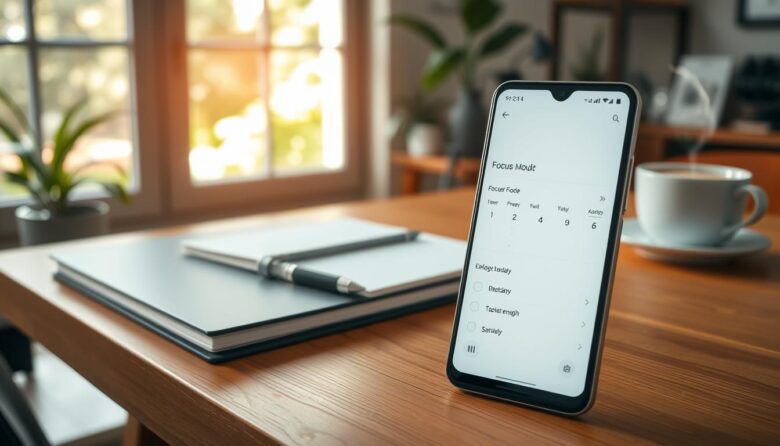
Focus mode is a built-in productivity feature on modern android phones that pauses selected distractions so you can concentrate on meaningful work. This guide focuses on practical steps to get you set up quickly and use the feature during your workday. Unlike global silencing tools, focus mode stops specific apps and their notifications while leaving …
This short guide shows practical steps you can try today to declutter your phone and refine app design without risky changes. You will learn how to simplify the interface, speed up perceived performance, and help users find core actions faster. We adopt a design mindset that removes elements that do not serve a function. That …

You don’t need a new smartphone to get better battery life and smoother performance. Small, smart tweaks can make an older device feel calmer and more reliable for daily basics. This short guide shows practical ways to tune many android phones from Google, Samsung, Motorola, and OnePlus. We focus on simple settings: lower brightness, enable …
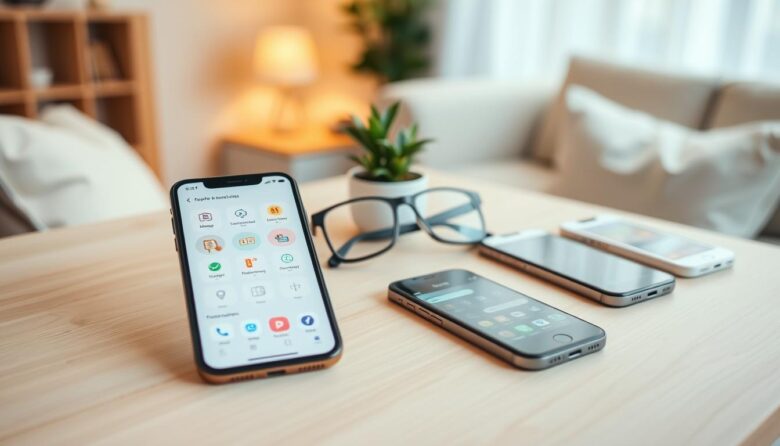
In 2025, we present a curated, professional roundup of a minimalist apps selection seniors can trust. This guide focuses on clarity, comfort, and the essentials that improve day-to-day life for older adults. Expect an easy, low-friction experience that reduces overwhelm without losing safety, communication, or independence. The right app mix trims clutter on the phone …
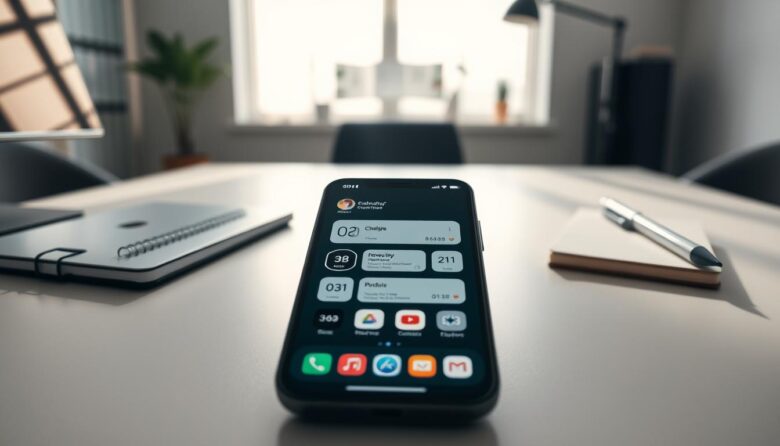
Americans now spend an average of 5 hours and 16 minutes per day on their phones. With the right home screen setup, that time can support work and focus instead of becoming a drain. Simple choices matter: reduce icons, add a few widgets like calendar and search, and make essential apps easy to reach. Use …
Calming your phone starts with a few clear choices. This guide shows a minimal notification setup that cuts noise but keeps important alerts like banks and calendars. You’ll learn quick actions in your settings app. and practical rules to keep distraction low. On Android, head to Settings > Notifications > App notifications to toggle apps …
This friendly guide helps you build a minimal widgets setup that actually boosts productivity and cuts distractions. You’ll learn a clear path: declutter, add only the essentials, refine design choices, and keep everything consistent. Many iOS users now favor a focused home screen with just a few high-signal items. The primary screen can show Timepage …

Running low on power mid-day is frustrating, especially on lower-cost phones. This short guide gives clear, practical steps you can use right away to extend battery life and stay connected longer. We’ll cover top quick wins like lowering screen brightness, shortening timeout, turning on Dark theme, and limiting high-usage apps. You’ll learn where the main …
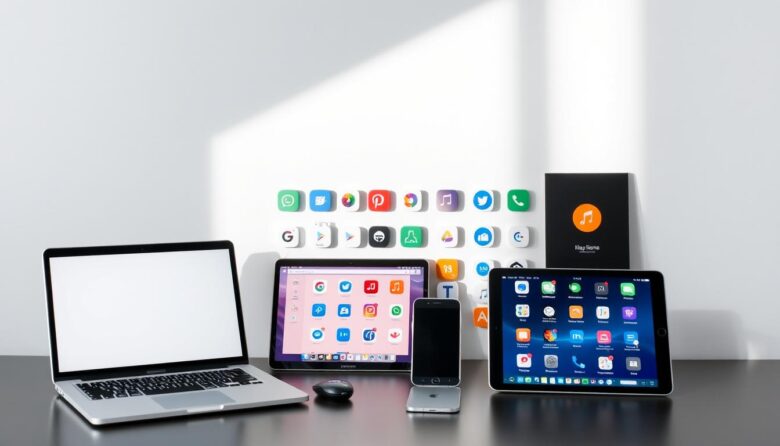
Mobile overload slows phones and makes daily money tasks clumsy. One focused app can replace many noisy, battery-draining programs and free up RAM for things that matter. When Simple closed in April 2021, users migrated to leaner options like Chime, Revolut, Wise, Current, Capital One 360, and Majority. These providers keep key features—debit cards, fast …